
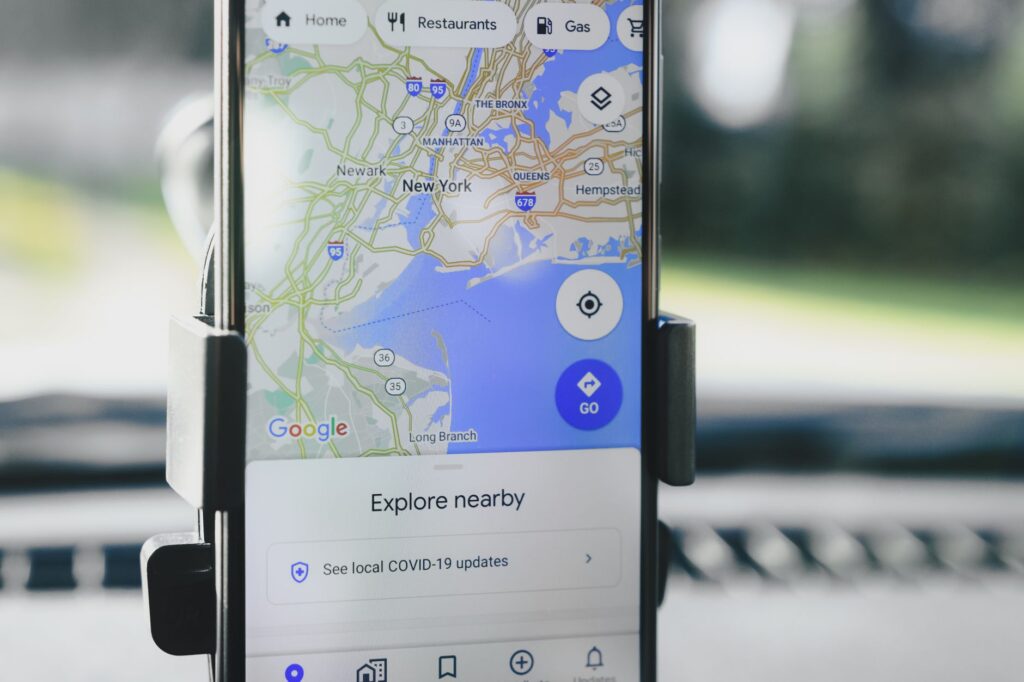
The Google Maps update introduces new Ask Maps features, enhancing the app’s functionality for both iOS and Android users. This update aims to improve user interaction and navigation efficiency.
What is the Google Maps update?
The recent Google Maps update introduces exciting new features aimed at enhancing user experience on both iOS and Android devices. One of the most notable additions is the “Ask Maps” feature, which allows users to pose questions about specific locations and receive answers from the community or Google itself. This interactive element encourages user engagement and helps travelers make informed decisions.
Additionally, the update includes improved navigation options that provide real-time updates on traffic conditions and alternate routes. Users can now also access more detailed information about public transit schedules and service alerts, making it easier to plan their journeys.
Another key enhancement is the expanded Explore tab, which offers personalized recommendations based on user preferences and previous searches. With these updates, Google Maps aims to transform how users discover and interact with their surroundings, making it a more valuable tool for everyday navigation.
Overall, the Google Maps update is set to significantly improve the way users navigate and explore their environments.
New features in Ask Maps
The latest Google Maps update introduces exciting new features in Ask Maps, designed to enhance user experience on both iOS and Android devices.
One of the standout features is the ability to ask questions about specific locations, allowing users to receive real-time answers from the community. This feature encourages engagement and provides valuable insights, making navigation more interactive.
Additionally, users can now see detailed reviews and ratings directly from the Ask Maps interface, streamlining the decision-making process. Whether looking for the best local restaurants or hidden gems, this feature helps users quickly find what they need.
Another improvement is the integration of multimedia responses. Users can share images and videos, enriching the context of their inquiries and providing a more comprehensive understanding of a place.
With these enhancements, the Google Maps update not only makes navigation more efficient but also fosters a sense of community among users, encouraging them to contribute their knowledge and experiences.
How to use Ask Maps
Using the new features in the Google Maps update, specifically the Ask Maps function, is simple and intuitive. This feature allows users to ask questions directly about locations, services, and more while navigating through the app. Here’s how to make the most of it:
- Access the Feature: Open Google Maps on your iOS or Android device and look for the Ask Maps icon, usually located at the bottom of the screen.
- Type Your Question: Tap on the icon and type in any question you have regarding your destination, such as “Is there parking available?” or “What are the best restaurants nearby?”
- Utilize Voice Commands: For added convenience, you can also use voice commands. Simply tap the microphone icon and ask your question verbally.
- Engage with Responses: Review the answers provided by the community or Google, and don’t hesitate to add your insights or updates to help others.
With these steps, Ask Maps enhances your navigation experience through the latest Google Maps update.
User feedback on the update
Users have expressed mixed reactions to the recent Google Maps update, particularly praising the new Ask Maps feature. Many find it to be a game changer for navigation and exploring new areas.
One user noted, “The ability to ask specific questions about places has made my travels much smoother.” Another added, “I love how I can get tailored recommendations based on my interests.” However, some users have raised concerns regarding the accuracy of the responses generated by Ask Maps.
In a survey conducted among users, over 70% reported feeling more informed about the locations they were visiting. Additionally, some expressed a desire for further improvements, such as enhancing the voice recognition feature for accessibility.
Overall, the Google Maps update has sparked excitement among many, while also highlighting areas where further enhancements could be beneficial. As users continue to explore the new features, feedback will be crucial for future iterations of the app.
Impact of updates on navigation
The latest Google Maps update significantly enhances navigation for users on both iOS and Android platforms. By incorporating advanced features, the update aims to streamline the overall experience, making it easier for users to find their way around.
One of the most notable impacts of these updates is the improved accuracy in real-time traffic conditions. With a more intuitive interface, users can now better understand traffic patterns and make informed decisions about their routes. Additionally, the integration of voice-guided navigation has been refined, allowing for clearer instructions and fewer interruptions during travel.
Moreover, the new Ask Maps feature encourages user interaction, enabling individuals to seek assistance from the community regarding their routes. This fosters a sense of collaboration and can lead to quicker resolutions for navigation issues.
Overall, the Google Maps update not only enhances functionality but also prioritizes user experience, ensuring that navigation is more efficient and user-friendly than ever before.
Photo by AS Photography on Pexels
